For e-Visas and regular visas
Indian Visa Photo Requirements
Applying for an Indian visa from Montreal? Check which photo belongs to your application: a square digital upload for an e-Visa, or matching digital and printed photos for a regular tourist visa.
An Indian e-Visa photo is a square JPEG of 10 KB to 1 MB; the regular Indian visa upload instructions specify a square JPEG of 10–300 KB, and the Ottawa-jurisdiction tourist-visa checklist requires a matching 2 x 2 inch (51 x 51 mm) colour print. Choose your application route before preparing the photo. Passport and OCI files have their own rules and are not substitutes.
Indian Visa Photo Requirements Checklist
| Requirement | e-Visa | Regular visa (Montreal) |
|---|---|---|
| File format | JPEG | JPEG |
| File size | 10 KB–1 MB | 10–300 KB |
| Digital dimensions* | Min. 350 × 350 px | 350–1,000 px square |
| Printed photo | Not required for the photo upload | One colour print, 51 × 51 mm; match the upload and paste on the form |
| Head height | Not specified in main instructions | 25–35 mm, hair to chin |
| Background | White recommended; plain light colours also allowed | White required |
| Shadows | Not allowed | Not allowed |
| Borders | Not allowed | Not allowed |
| Face and eyes | Full face, straight ahead, centred; eyes open | Full face, straight ahead, centred; eyes open |
| Glasses | Take them off | Studio advice: remove them to reduce glare |
| Clothing | Studio advice: dark clothing | Dark clothing required |
| Photo recency | Recent; no month limit in main instructions | Follow your application instructions |
| Editing | Studio advice: no filters, AI alterations or background replacement | Studio advice: no filters, AI alterations or background replacement |
*Pixel dimensions come from older official PDFs. Follow the current application screen if it differs. The regular visa column covers Ottawa-jurisdiction tourist visa applications, including Montreal. Head height is measured from the top of the hair to the bottom of the chin. Upload a clear portrait separately from the passport-page scan.
Indian e-Visa vs Regular Visa Photos
An Indian e-Visa application needs a photo file, not a printed portrait sent to BLS. Upload the portrait separately from the passport information page: that document has its own upload field and file rules. A PDF passport scan is not your JPEG portrait.
An Ottawa-jurisdiction regular Indian tourist visa application needs the same portrait online and on the printed form. The Ottawa-jurisdiction checklist specifies a white background and dark clothes. Other visa categories may have additional instructions; check the checklist issued for yours.
Use the photo instructions shown in your own application. The e-Visa and regular visa portals have different upload limits.
Which Indian Visa Photo Format Do You Need?
An Indian e-Visa photo is a square digital file. A regular tourist visa application under Ottawa jurisdiction also needs a matching square print. The diagrams show the two formats, without a common physical scale.
A Canadian passport print is a 50 x 70 mm rectangle. Ask for the Indian visa format before the photo is taken.
Indian Visa Photo Formats Compared
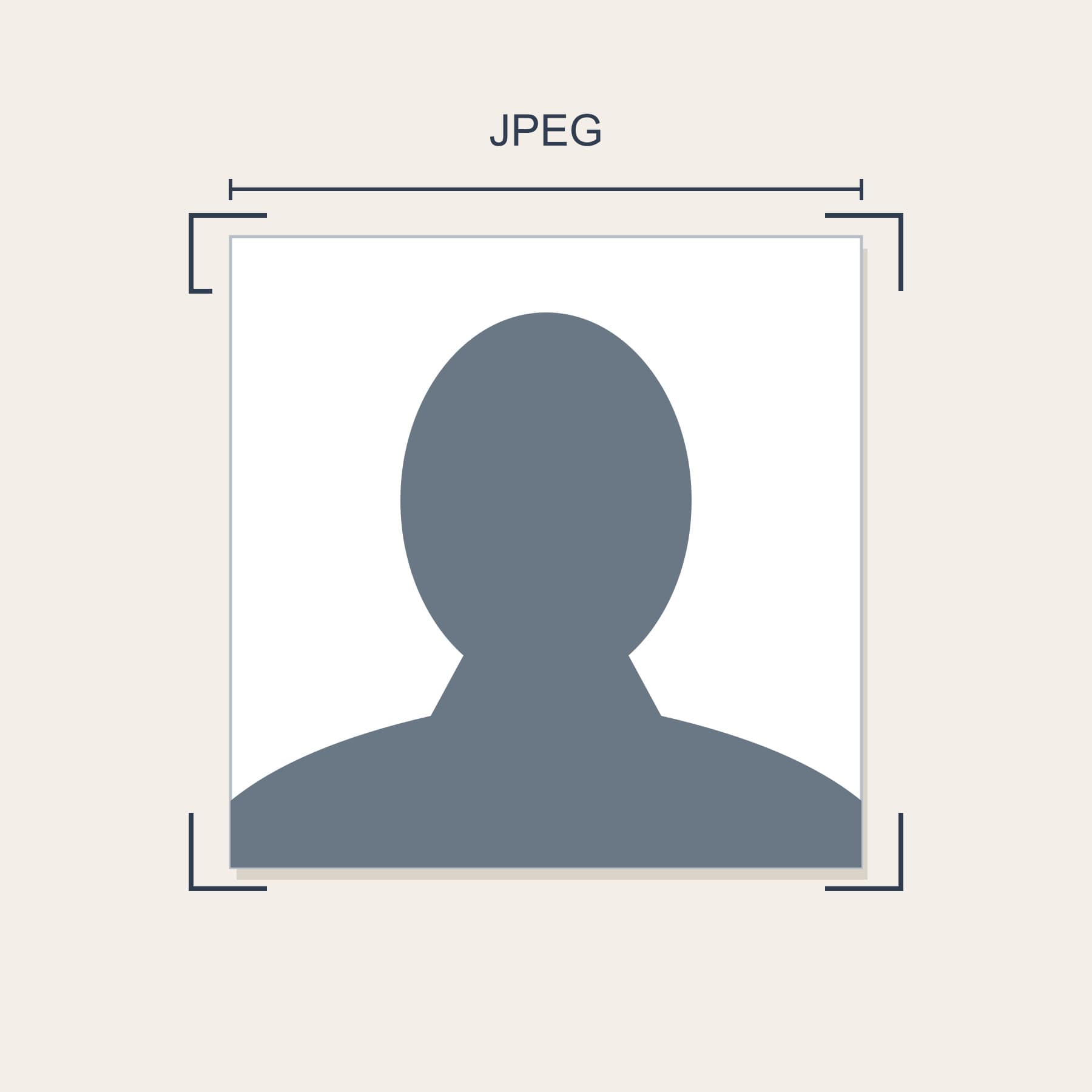
Square JPEG upload: e-Visa 10 KB–1 MB; regular visa 10–300 KB.
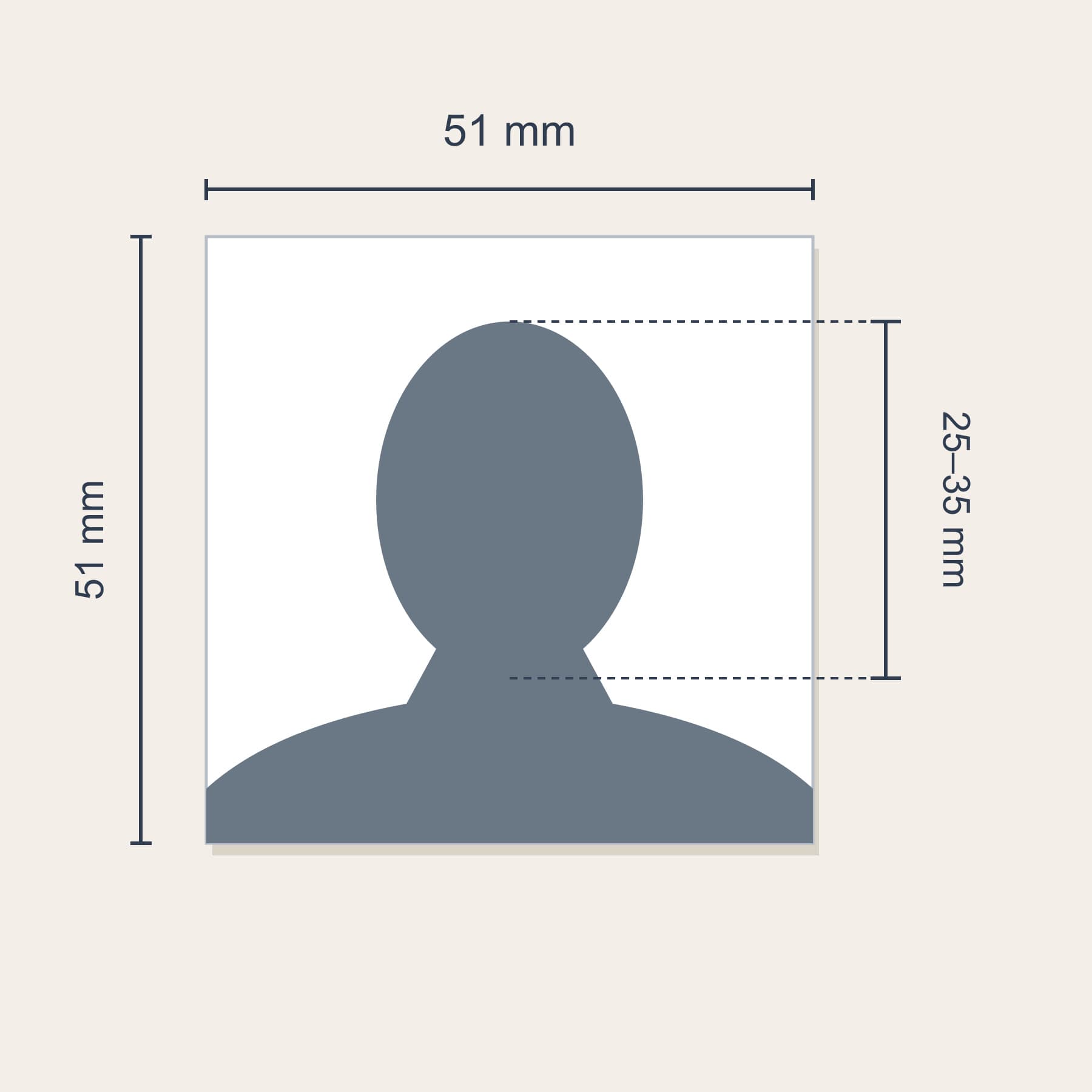
Ottawa-jurisdiction regular tourist visa: 51 × 51 mm print; head 25–35 mm from hair to chin.
Indian e-Visa Photo Examples
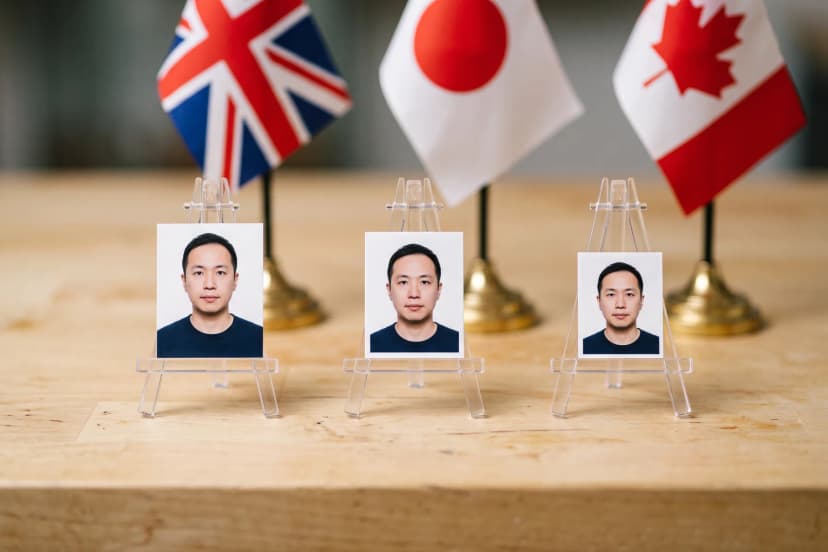
Indian e-Visa photo examples below illustrate front-facing visibility and background lighting only. They are illustrations, not proof of consular approval or a measured head-size template.
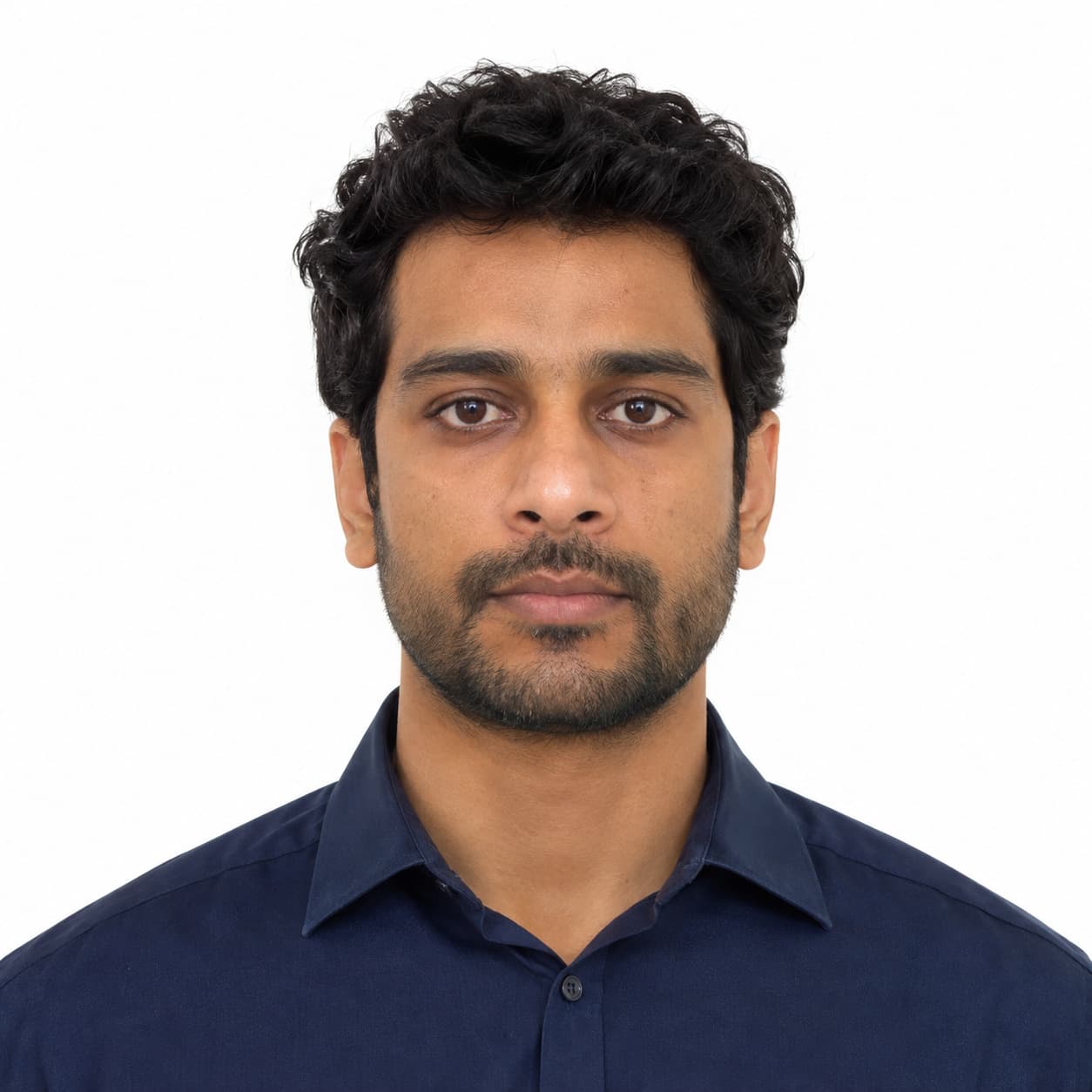
Compliant example: front-facing, eyes open, no glasses and no visible background shadow.
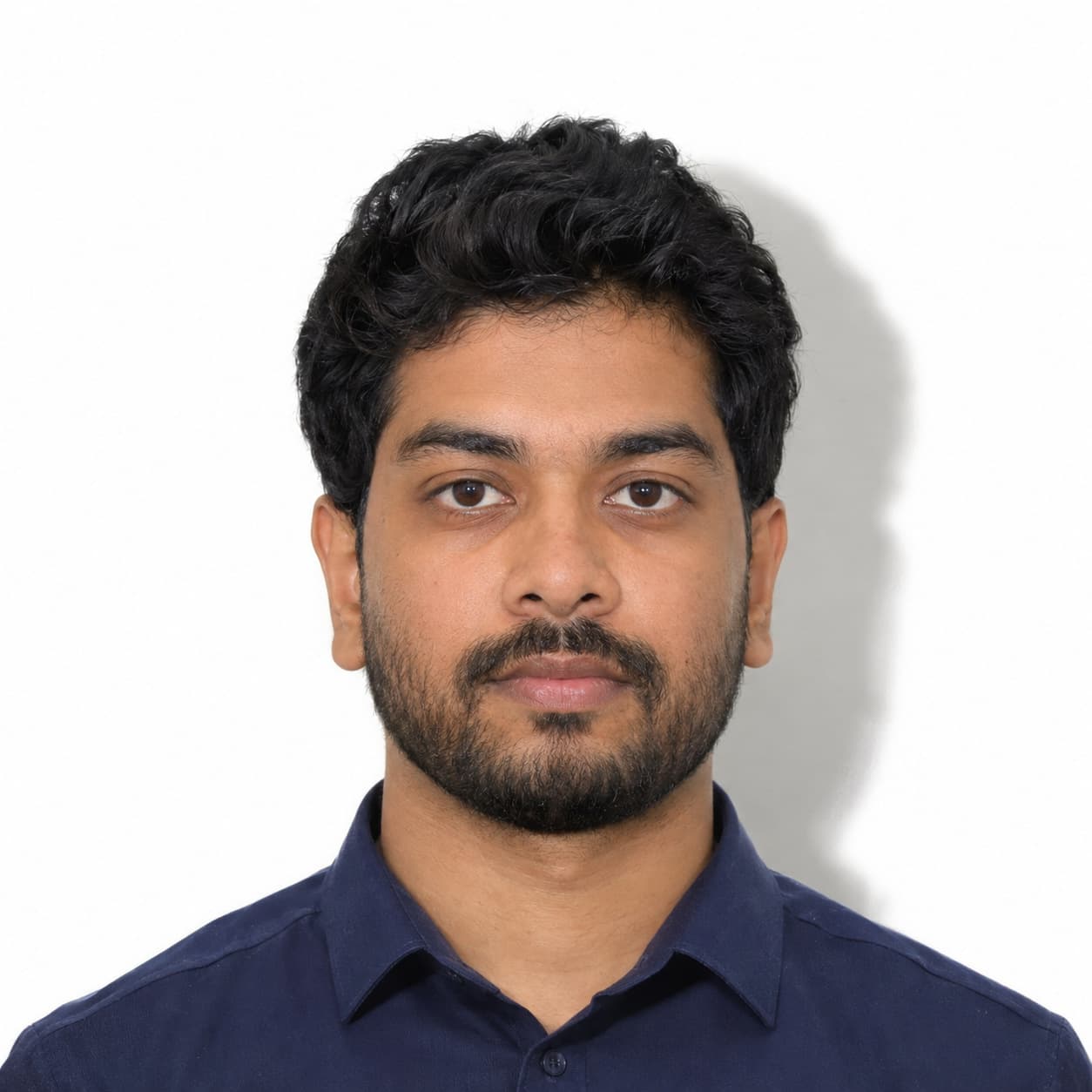
Non-compliant example: visible shadow behind the head conflicts with the e-Visa lighting rules.
Indian Visa Photo Mistakes to Avoid
Indian visa photo problems often begin with choosing the wrong application instructions. Check these before submitting:
- A regular visa upload larger than its published 300 KB limit
- A rectangular image instead of a square
- A shadow on the face or background
- Glasses in an e-Visa photo
- Different portraits uploaded and pasted on the regular tourist visa form
- A Canadian-format print used for the square Indian tourist visa photo
Studio advice: keep an untouched original and export a separate JPEG for the portal. Changing a filename from .heic to .jpg does not convert the image.
Where to Get Indian Visa Photos in Montreal
Indian visa photos are available at Photo Jovial, 683 Rue Jean-Talon O in Montreal. Bring the instructions or upload screen for your application so the photographer can prepare the right file and, if needed, matching prints.
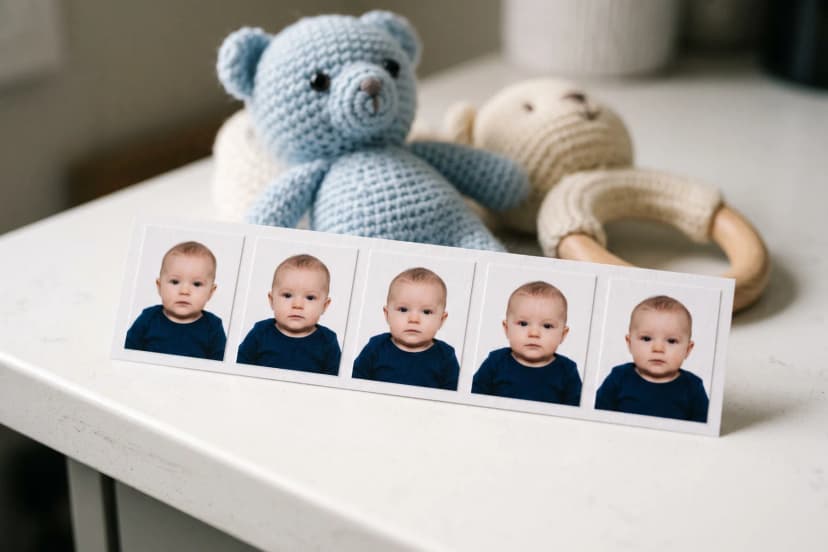
Regular adult visa photos need no appointment and are usually ready in about 10 minutes. For babies and children, call ahead to confirm the photographer’s availability and a suitable time. Current prices are on the international passport and visa photo service page.
Related Services and Guides
For your file and matching prints, use our international passport and visa photo service. For a young applicant, call ahead for baby and child photos. Applying for a different document? Read the Indian passport and OCI photo guide or the Canadian passport photo requirements.
Official Resources
Check the instructions for your own application: e-Visa instructions (opens in a new tab); regular visa upload instructions (opens in a new tab); Ottawa-jurisdiction tourist visa checklist (PDF) (opens in a new tab); current BLS tourist visa notices (opens in a new tab); official e-Visa sample application (PDF) (opens in a new tab); official regular visa photo upload guidelines (PDF) (opens in a new tab).
Pro Tips
- 1Save your application’s photo instructions before visiting the studio.
- 2For a regular tourist visa, keep the uploaded portrait and the pasted print identical.
- 3Check the exported JPEG’s file size, not just its pixel dimensions.
- 4Keep your portrait file separate from the passport-page scan.
Frequently Asked Questions

Need Indian Visa Photos in Montreal?
Bring your visa instructions to our Jean-Talon studio for the right digital file and matching prints when required. Call ahead for children.
Or call us at +1 514 279 7230
Related Services
Studio services discussed in this guide.