Ordinary electronic passports in Montreal
Portuguese Passport Photo Requirements in Montreal
Do you need a photo for a Portuguese passport in Montreal? Adults do not need to bring one. For children up to age 2, the consulate recommends emailing a JPG.
Portuguese passport applicants in Montreal do not need to bring a photograph; for babies and children up to age 2, the consulate recommends emailing a JPG at least 830 pixels wide and 1100 pixels high. That recommendation can save a little waiting with a young child. Before buying prints or booking a photo session, check which instructions apply to the person whose passport you are requesting.
Do Adults Need Portuguese Passport Photos in Montreal?
A Portuguese passport application in Montreal does not require you to bring a photograph. The consulate states this for both first passports and renewals. You do not need to buy a pair of printed passport photos just because you are applying for a passport.
The consulate lists a valid Citizen Card or Identity Card with up-to-date information. For renewals, it also lists your current passport, even if it has expired. Check the official page before your visit for the complete instructions and any documents specific to your situation.
Which Portuguese Passport Photo Rules Apply in Montreal?
The Portuguese consulate in Montreal publishes a child-photo recommendation, not a complete portrait specification sheet. The checklist below summarises its published photo instructions. Additional biometric requirements may apply; follow any instructions issued for your application.
Portuguese Passport Photo Requirements at a Glance
| Requirement | Specification |
|---|---|
| First passport or renewal | No photograph needs to be brought to the consulate. |
| Babies and children up to age 2 | The consulate recommends emailing a photograph to reduce waiting time. |
| Recommended child file format | JPG (.jpg). |
| Minimum child image width | 830 pixels. |
| Minimum child image height | 1100 pixels. |
| Email destination for the child photo | [email protected]. |
| Other child-photo specifications | The passport page does not specify head size, printed dimensions, photo age, background colour, expression, glasses rules or a file-size limit for the child JPG. Confirm these with the consulate; follow any instructions issued for your application. |
Portuguese Passport Photos for Babies and Young Children
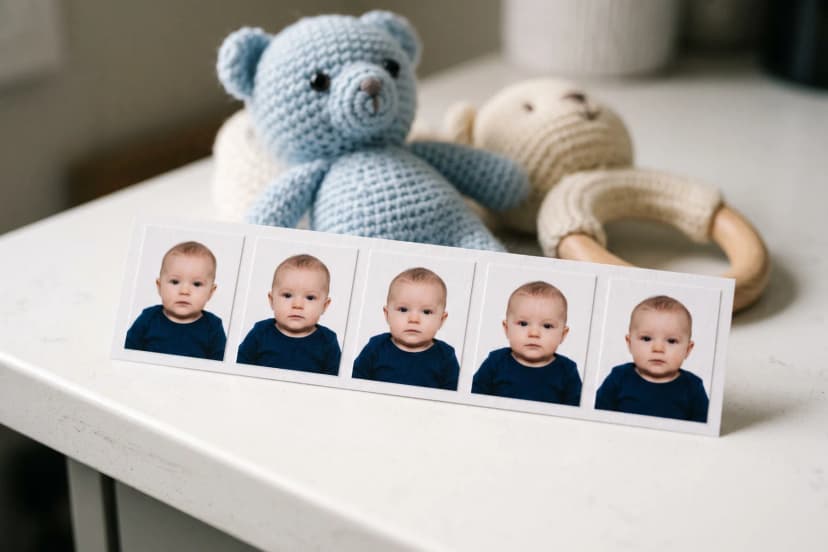
For a Portuguese passport in Montreal, emailing a photograph of a child up to age 2 is recommended to help reduce waiting time. It is not a requirement for every applicant.
Check the original JPG against both minimum dimensions in the checklist. Larger files can meet the minimum too; enlarging a tiny image does not restore missing detail.
Emailing your child’s photograph does not replace the in-person passport appointment. Your child and the person exercising parental responsibility or guardianship must still attend.
Portuguese Child Photo Files: Check Both Pixel Dimensions
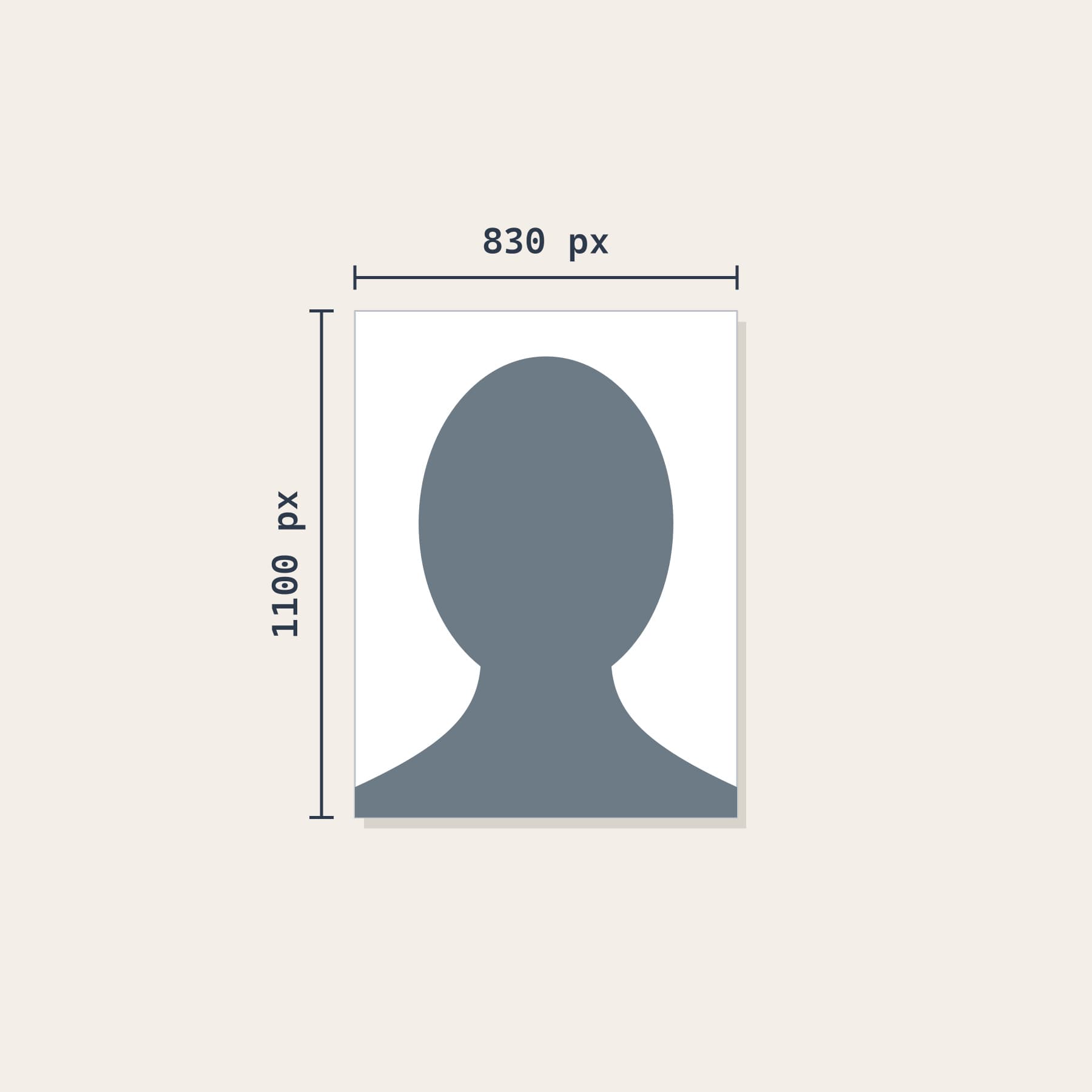
Meets minimum dimensions: 830 × 1100 pixels. File dimensions alone do not establish photo acceptance.
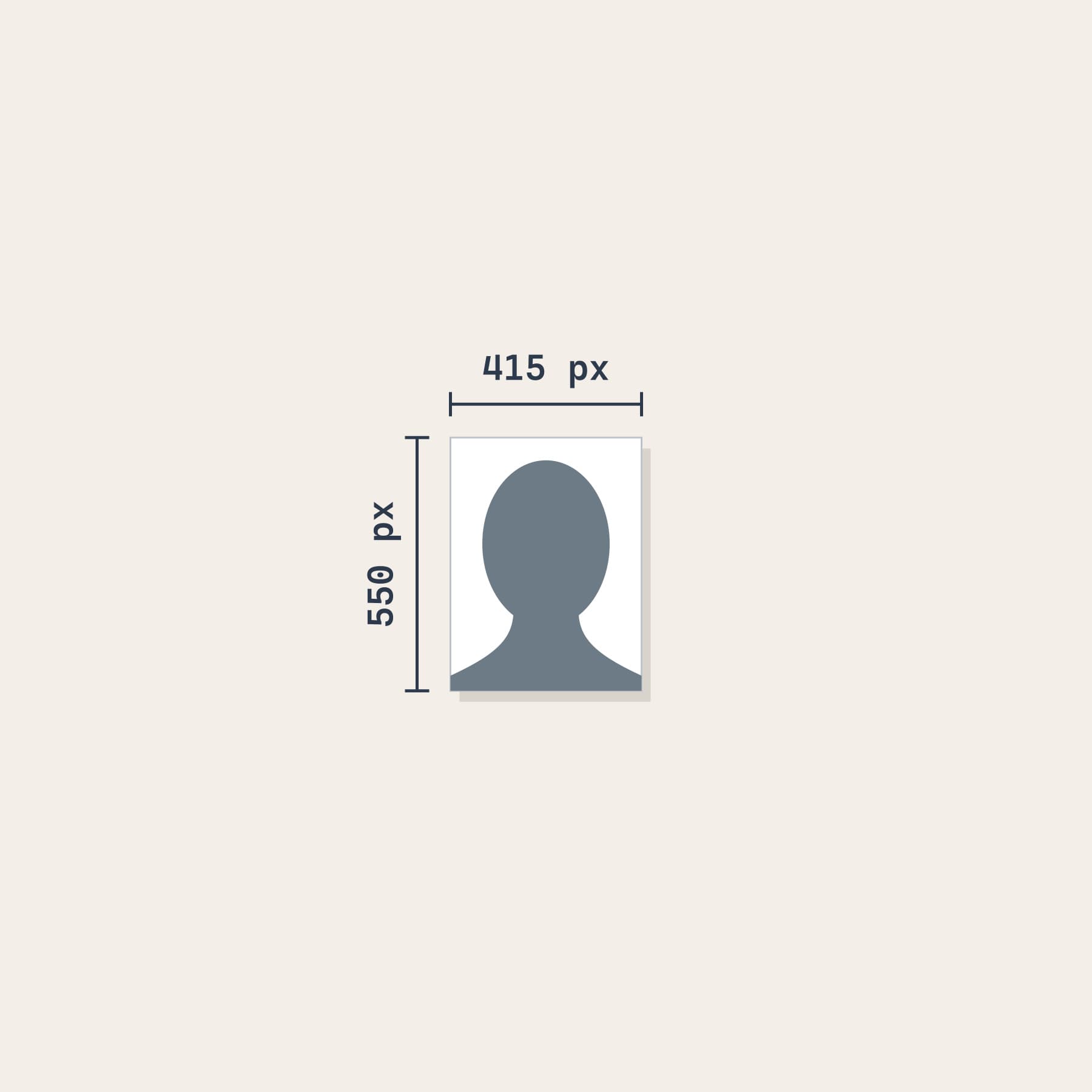
Below minimum dimensions: 415 × 550 pixels.
Portuguese Child Passport Photos: Send a JPG
The recommended Portuguese child photograph is a JPG image, not a PDF containing a photo. Keep the original file: changing a filename from .pdf to .jpg does not convert it. The published recommendation does not list a maximum file size or printed-photo dimensions.
Portuguese Child Photo Examples: Even Light vs Background Shadow
These examples illustrate lighting quality, not consular approval.
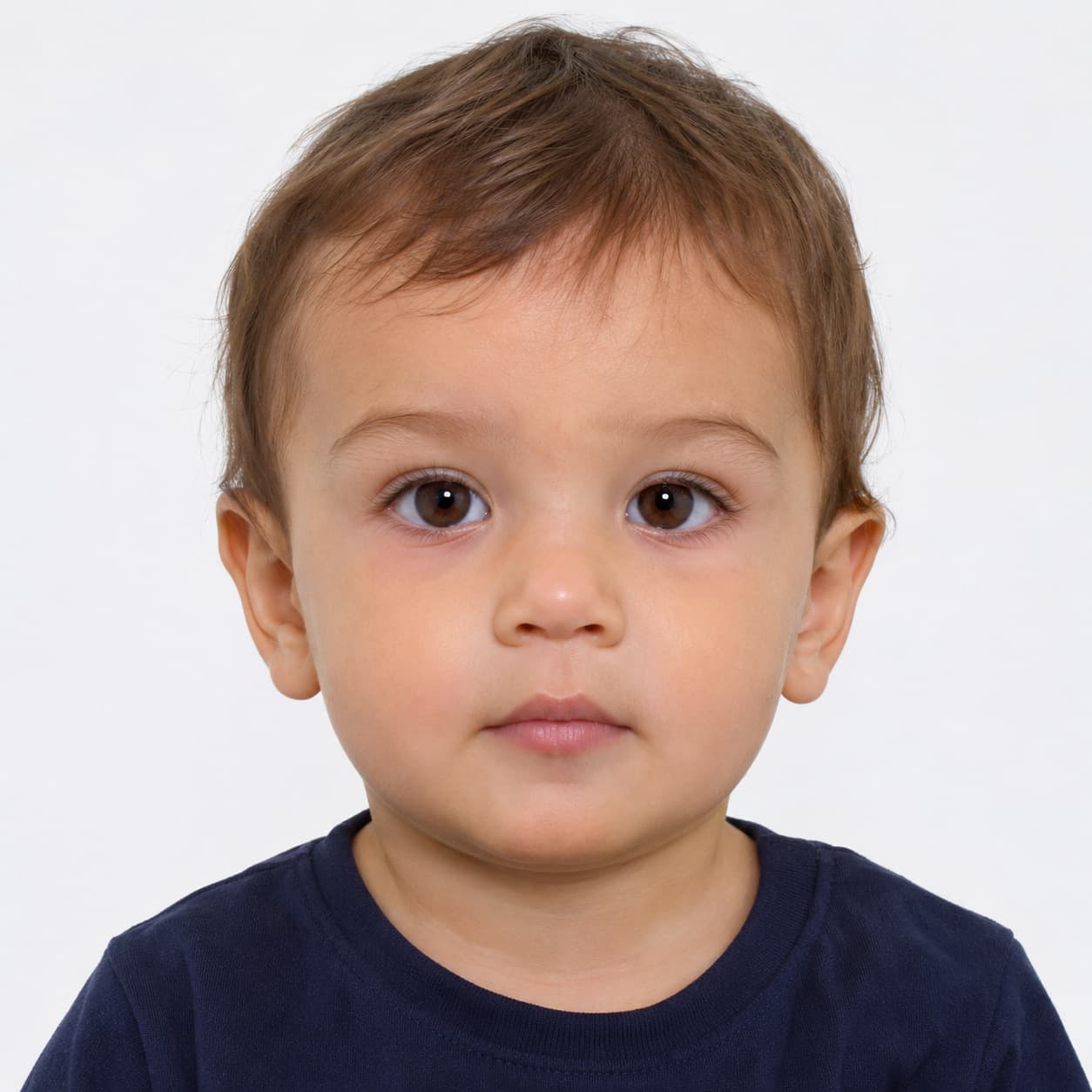
Studio recommendation: use even lighting for clear facial details.
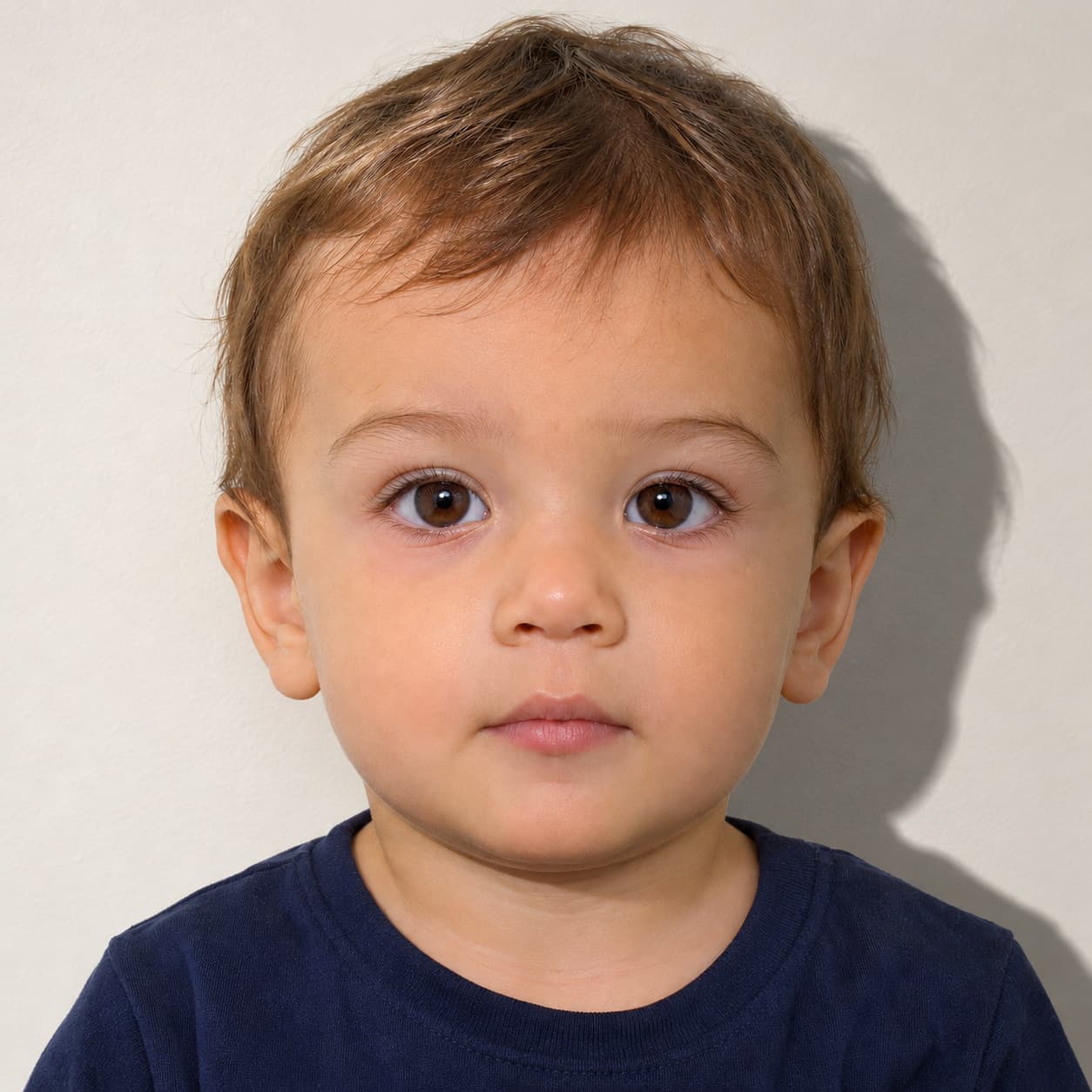
Studio recommendation: avoid visible background shadows.
Portuguese vs Canadian Passport Photo Formats
Portuguese and Canadian passport applications do not ask Montreal families for the same photo format. For a Portuguese passport, no photograph needs to be brought; for a child up to age 2, the consulate recommends an emailed JPG. For a Canadian passport application on paper, the photo is a physical print.
- Portuguese child JPG: at least 830 pixels wide and 1100 pixels high; no head-size measurement is published alongside the Montreal recommendation.
- Canadian paper application: two identical prints, each 50 mm wide and 70 mm high, with the head measuring 31–36 mm from chin to crown. These measurements belong to the Canadian application only.
Portuguese Child JPG vs Canadian Passport Print
The comparison below shows different formats, not a shared physical scale. Pixels describe an image file; millimetres describe a print. Do not convert one to the other using an assumed print resolution. Canada also has separate digital specifications for eligible online renewals.
Meets minimum dimensions: 830 × 1100 pixels. File dimensions alone do not establish photo acceptance.
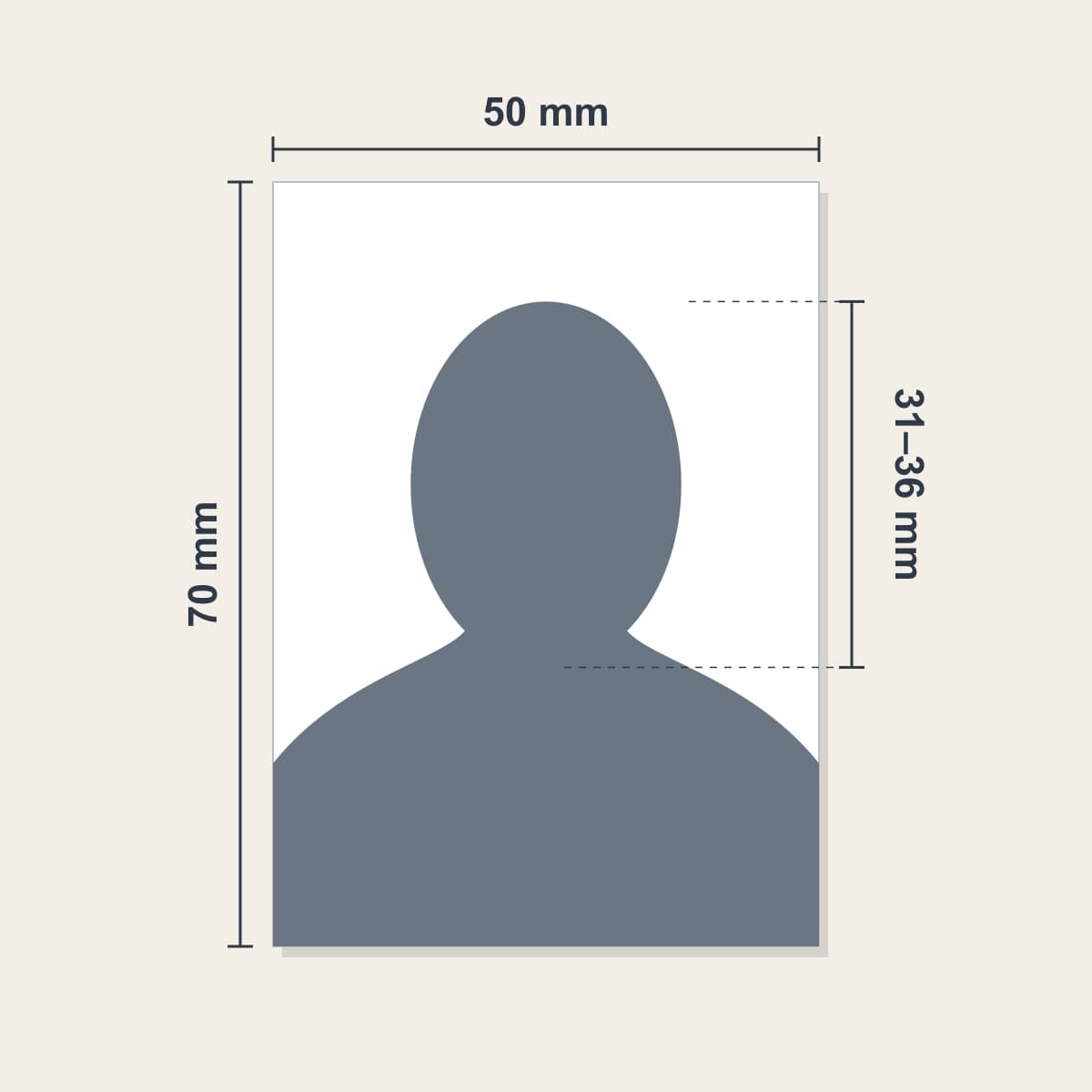
Canadian paper application: 50 × 70 mm, head 31–36 mm. A paper print does not replace the Portuguese child JPG recommendation. These formats are not shown to a common scale.
Portuguese Child Passport Photo Mistakes to Avoid
For a Portuguese child passport photo in Montreal, check the file against the consulate’s published recommendation before sending it. These are practical mistakes to avoid, not an exhaustive list of official refusal reasons.
- Sending a PDF or a paper print instead of the recommended JPG.
- Sending a JPG narrower than 830 pixels or shorter than 1100 pixels. Both minimum dimensions matter.
- Assuming the Canadian head-size range or a generic European print size applies to the Portuguese child JPG.
- Ignoring additional instructions the consulate has sent for your child’s application.
- Studio advice: retake a photo with a marked background shadow, like the example above, rather than trying to fix the lighting by editing the image.
If the consulate requests a replacement, follow the reason it gives and bring those instructions to the photographer.
Where to Get Help With Portuguese Child Photos in Montreal
Photo Jovial, located at 683 Rue Jean-Talon O in Montreal, has over 20 years of experience with passport and visa photography.
For Portuguese child passport photos, we can provide a JPG that meets the consulate’s published minimum dimensions. Please call ahead for baby and child photography and bring any additional instructions from the consulate.
Adults applying for an ordinary Portuguese passport do not normally need a separate photography session.
Related Services and Guides
If your instructions call for a separate photo, see our international passport and visa photo service. For a young child, call ahead through our baby and child photo service. Our baby and child passport photo guide covers Canadian applications; our Schengen visa photo guide covers visa photos, which are a different procedure. For personal photos you would like to keep or share, see our photo printing service.
Official Resources
Check the Montreal Portuguese consulate’s passport instructions (opens in a new tab) for first applications, renewals and the recommended JPG for children up to age 2. Contact the consulate if your application instructions differ. For the Canadian comparison, consult the Government of Canada passport photo requirements (opens in a new tab). For the child’s in-person attendance requirement, see the Portuguese government instructions for passport applications abroad (opens in a new tab).
Pro Tips
- 1For a first Portuguese passport or a renewal in Montreal, do not buy prints unless the consulate specifically asks you for them.
- 2For a child up to age 2, the consulate recommends emailing a JPG to [email protected].
- 3Check both dimensions of the child JPG: at least 830 pixels wide and 1100 pixels high, not necessarily exactly that size.
- 4Keep the original JPG; renaming a PDF does not turn it into a photo file.
- 5Ask the consulate for any additional portrait requirements before the session, and bring its instructions to the photographer.
- 6Call ahead to confirm a suitable time for baby or child photography at Photo Jovial.
Frequently Asked Questions

Asked to Supply a Separate Photo?
Need a child photo file? Call ahead to arrange a suitable time at our Jean-Talon studio.
Or call us at +1 514 279 7230
Related Services
Studio services discussed in this guide.